Computational Facility Spotlights
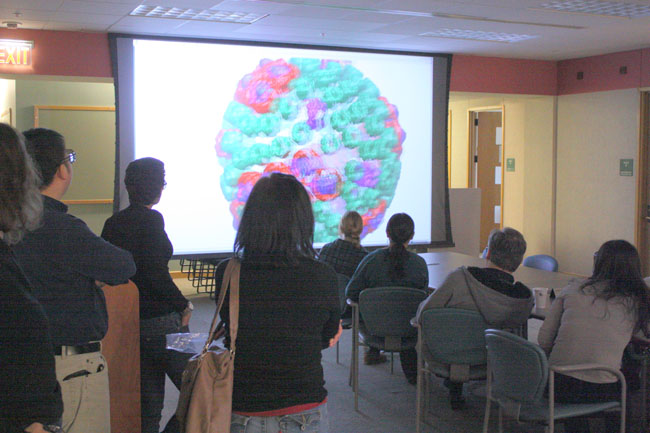
Since 1993 we have maintained a stereo projection facility to create an
interactive visual environment for computational molecular modelling. A
projected computer screen serves as a window to three dimensional images
which are easily viewed by groups of people. In addition,
a haptic input device allows for users to actually feel the forces as they
are applied to the molecular systems. More information on the facility is
available here.
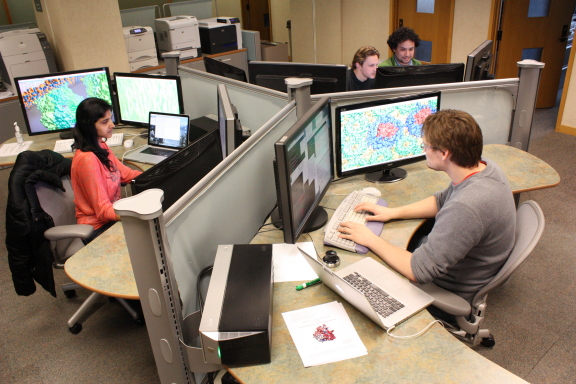
When the power of our desktop workstations is not adequate to properly
view and manipulate the molecules we study, we must use larger systems
with additional memory, processing power, video, and input devices. Our
primary visualization workstations are a Sun Ultra 40 workstation featuring
nVidia Quadro FX 5800 graphics and 32 gigabytes of memory and Supermicro
workstations featuring nVidia Quadro FX 5800 graphics and 48 or 72 gigabytes of memory;
equipped with stereo emitters, dual monitors or a 30" display, and SpaceNavigator input devices
for the best user experience; one of these also runs our 3D projection facility.
We also have additional Sun Ultra 40s, Supermicro workstations, and
an Apple Mac Pro available for public visualization
use. The full list is available here.
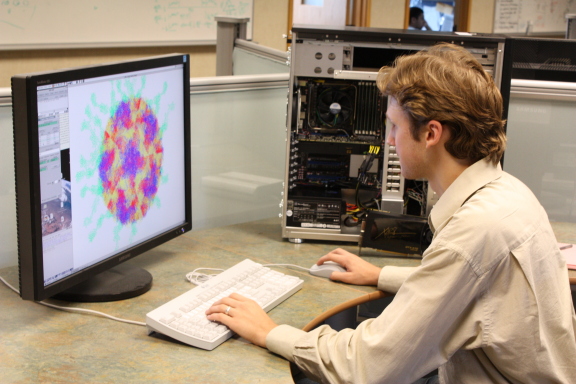
In order to properly analyze our data, each user must have a powerful
graphics workstation on their desktop. These desktops are custom built
Xeon W3520 workstations housing
24GB of memory and a nVidia GTX 470 graphics
graphics board.
Intel based Apple iMacs are used for
administrative work. The full list is available here.
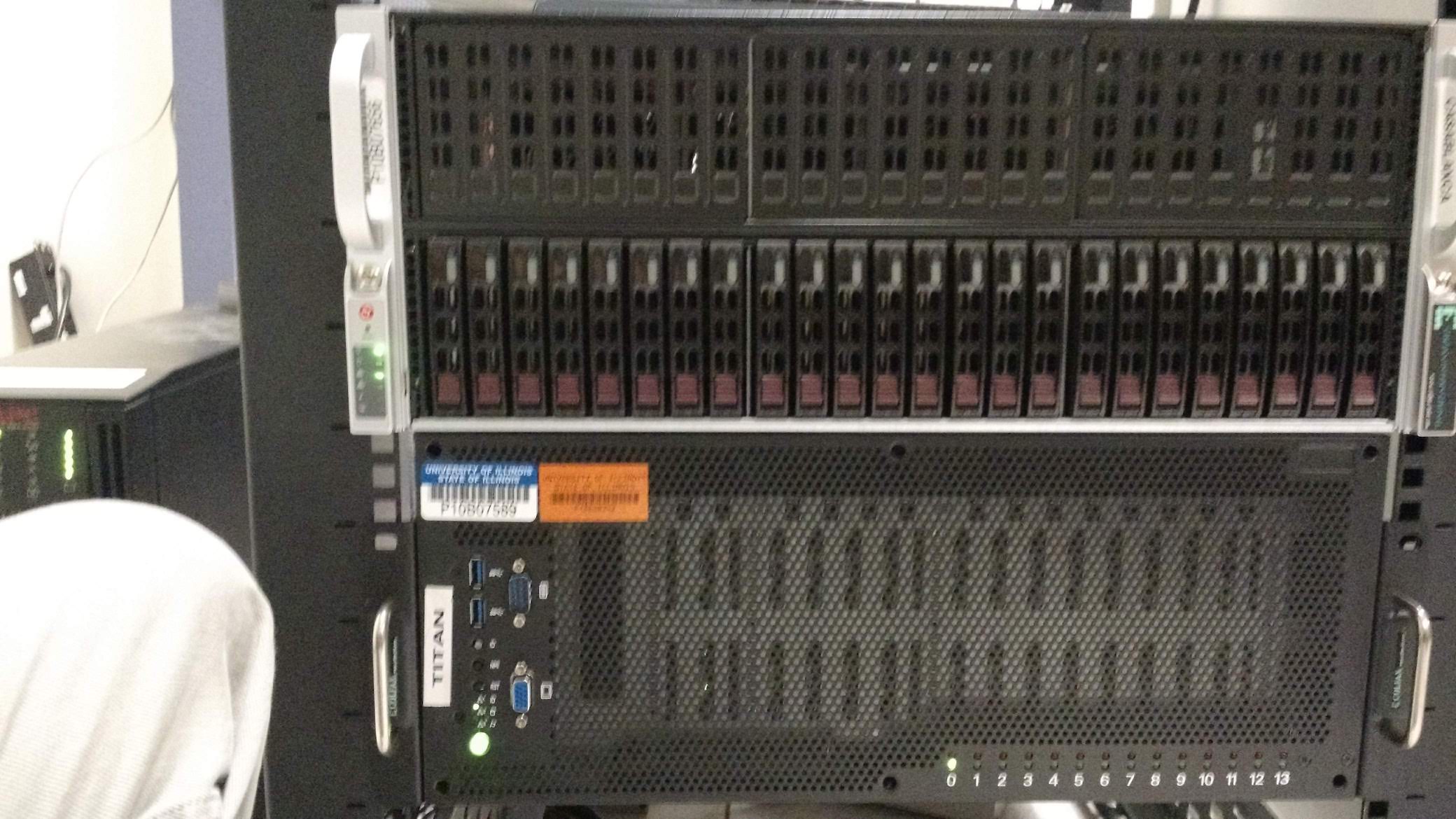
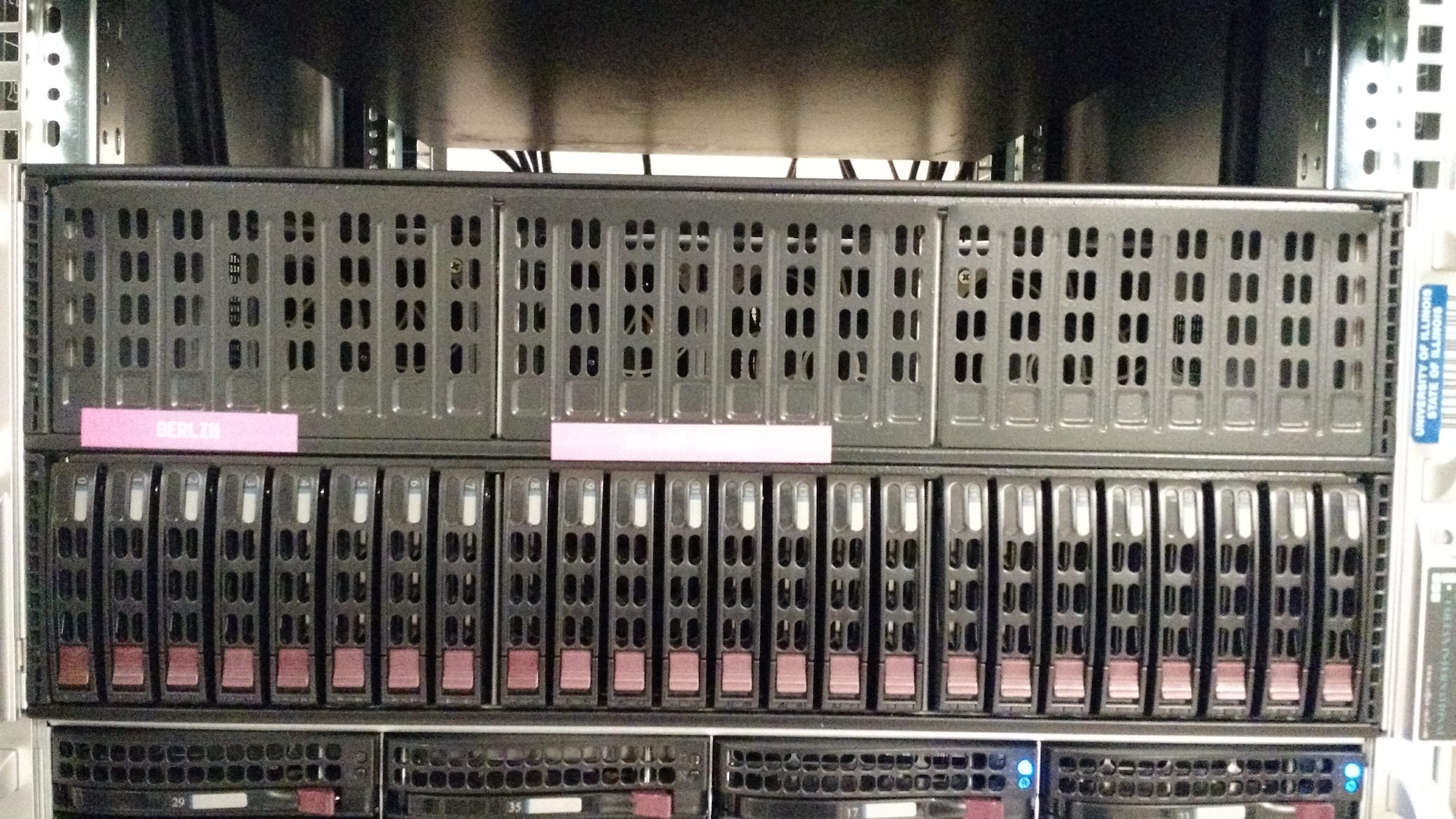
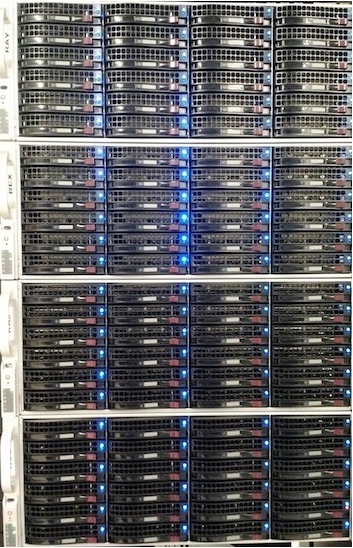
As the Resource simulates larger and larger molecules for increasingly
long times, the need for disk space has grown exponentially. Our local
network currently hosts 4250 terabytes of hard drives, divided across fifteen
file servers. In addition to a five gigabyte disk quota for their home
directories, users can store up to three hundred gigabytes of regularly
backed-up data in a shared Projects space.
An additional terabyte of shared space available as scratch space for
all users. More information on our disk space partitioning is available
here.
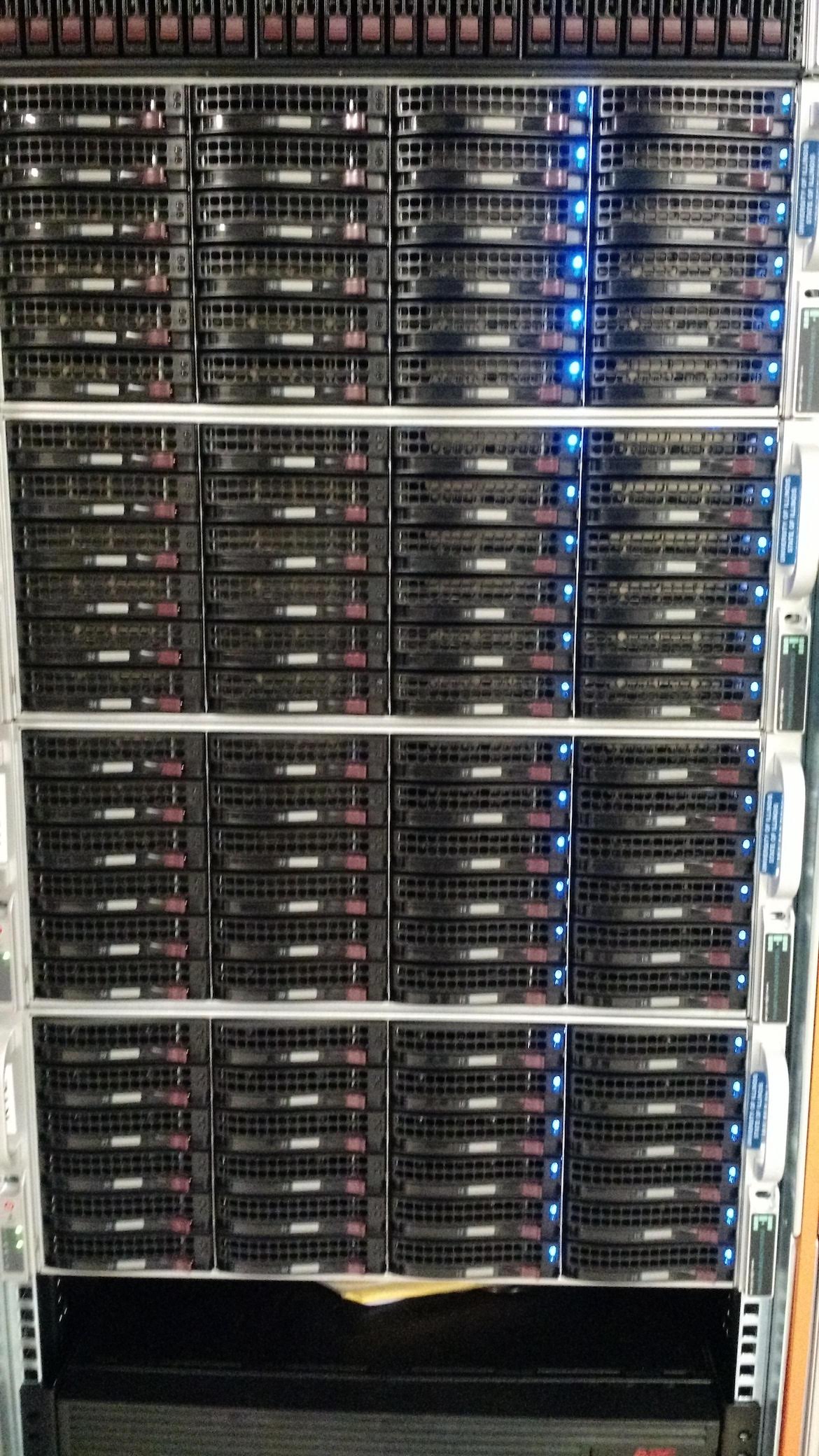
These servers serves storage space and take backup of home directories, project space and system files of servers
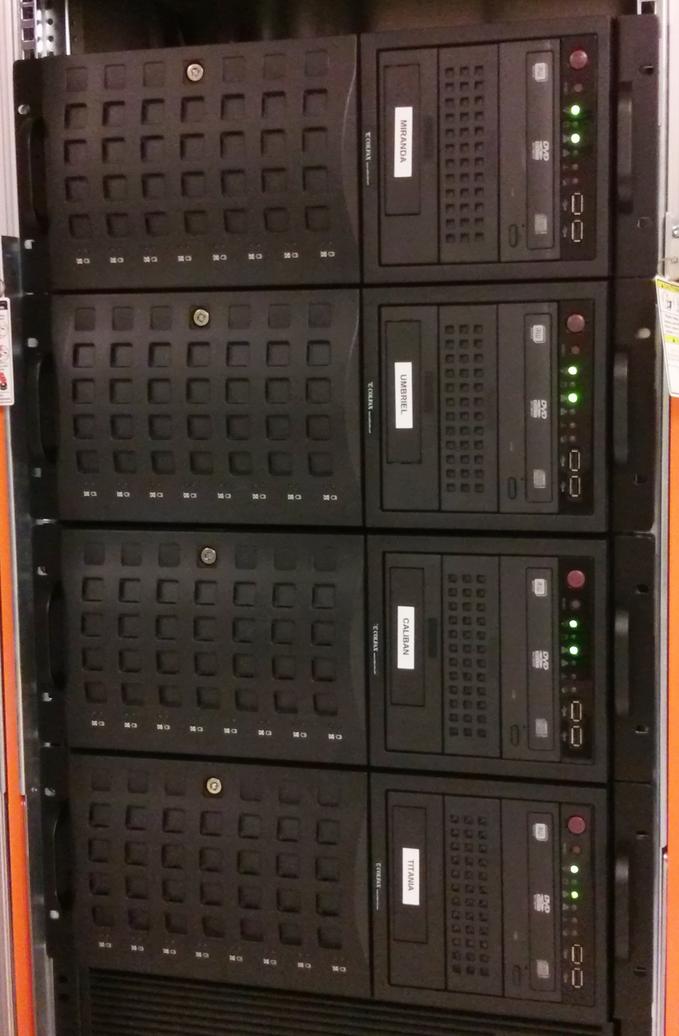
Since 1993 the Resource has been using compute clusters to cost-effectively
perform Molecular Dynamics simulations. We built our first Linux PC
cluster in 1998, and have continued to configure newer, faster, and larger
systems approximately every two years since.
More information is available here.
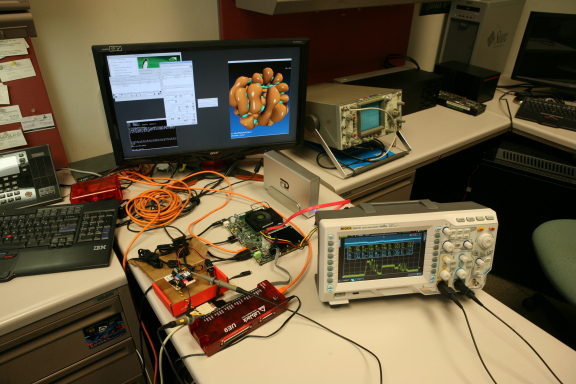
To properly develop, maintain, and test our software for
our diverse user base, our developers need access a broad variety
of hardware and operating systems.
On the hardware side, in addition to our standard Linux workstations we
maintain development systems that allow us to develop software on
multiple operating systems on ARM, x86, SPARC, and other desktop
hardware platforms, and for various makes and models of mobile phone and
tablet devices.
The full list is available here.
While many research groups choose to work behind a firewall, the Resource
has chosen to stay open to the world and instead focus on making sure each
system on the network is well-defended. Generally, the only service open
on a given system is SSH, for remote access. User passwords never go over
the network in the clear, where they could be intercepted; instead, all
relevant connections are encrypted using SSL or similar technologies
(IMAP/S, SSH, SFTP, etc), and the only unencrypted traffic is web, mail,
and other unauthenticated traffic (and even these protocols offer SSL
capabilities). Systems and services which cannot be fully secured are TCP
wrapped, to remove access from unapproved systems. New systems are
scanned to ensure that no unauthorized ports are open. Our system
administration team generally patches holes in our open services within
six hours of their discovery. Windows systems are patched nightly with
SUS.