Publication Figure Rendering With Tachyon
One of the advanced features provided by the Tachyon ray tracer (built into VMD), is the ability to render scenes with ambient occlusion lighting. This lighting technique mimicks some of the effects that occur under conditions of omnidirectional diffuse illumination, e.g. outdoors on an overcast day. This lighting used in concert with traditional point source lights and directional lights to increase the perception of shape, depth in images of molecular structures, and decreases the deleterious effects of harsh shadows which otherwise occur with lighting based on a small number of point sources. This lighting model is particularly good at emulating the appearance of chalky materials, and can make molecular graphics more understandable and aesthetically appealing.
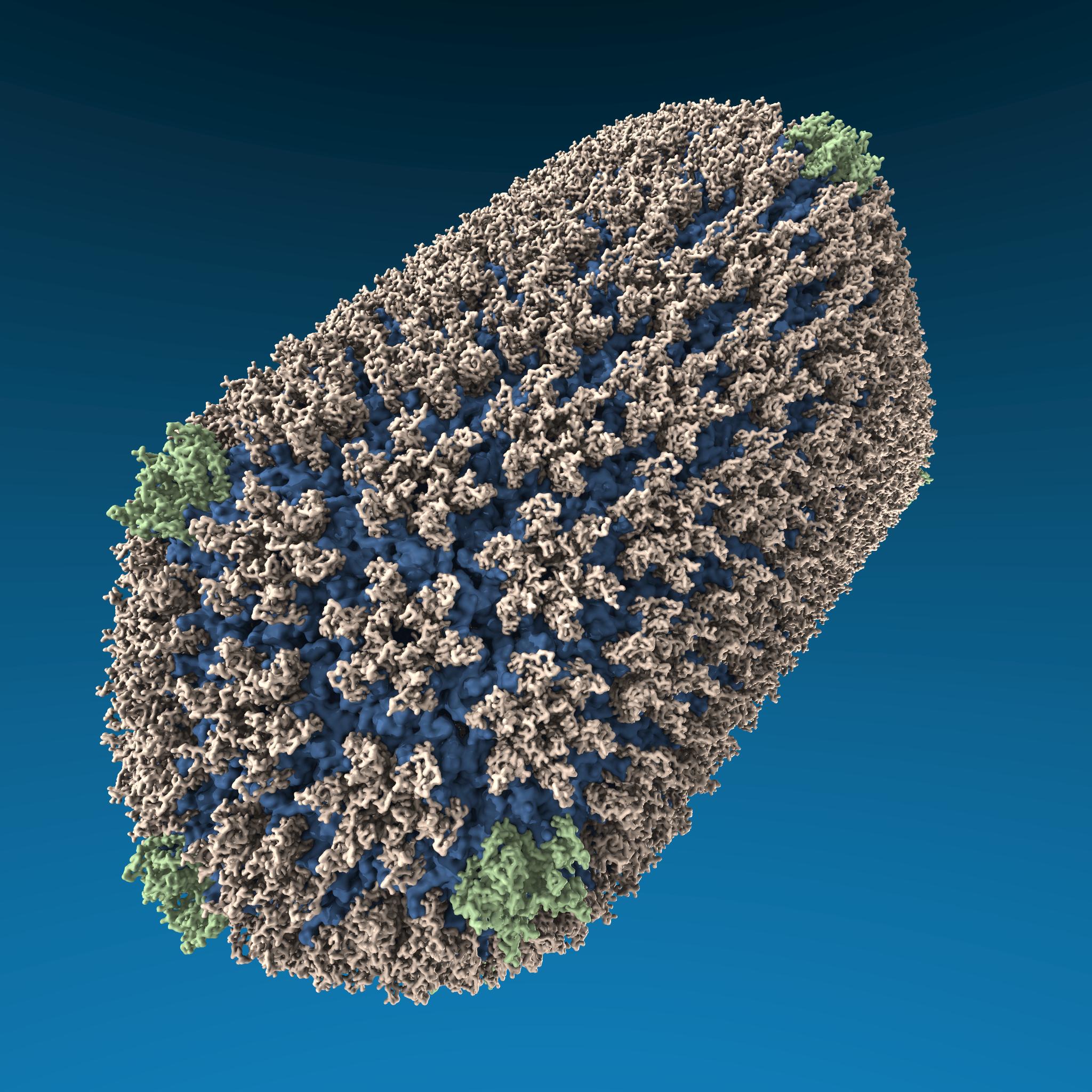
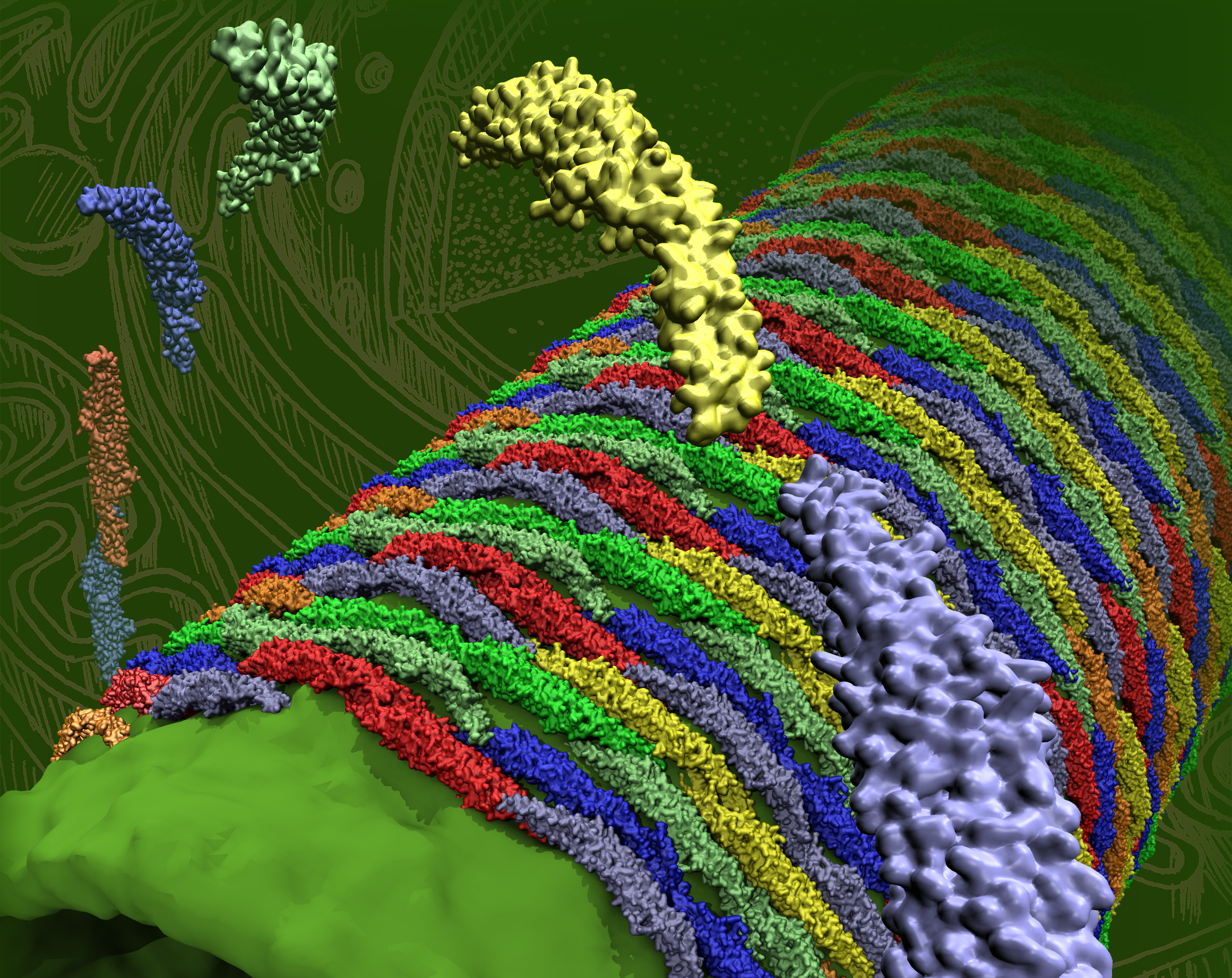
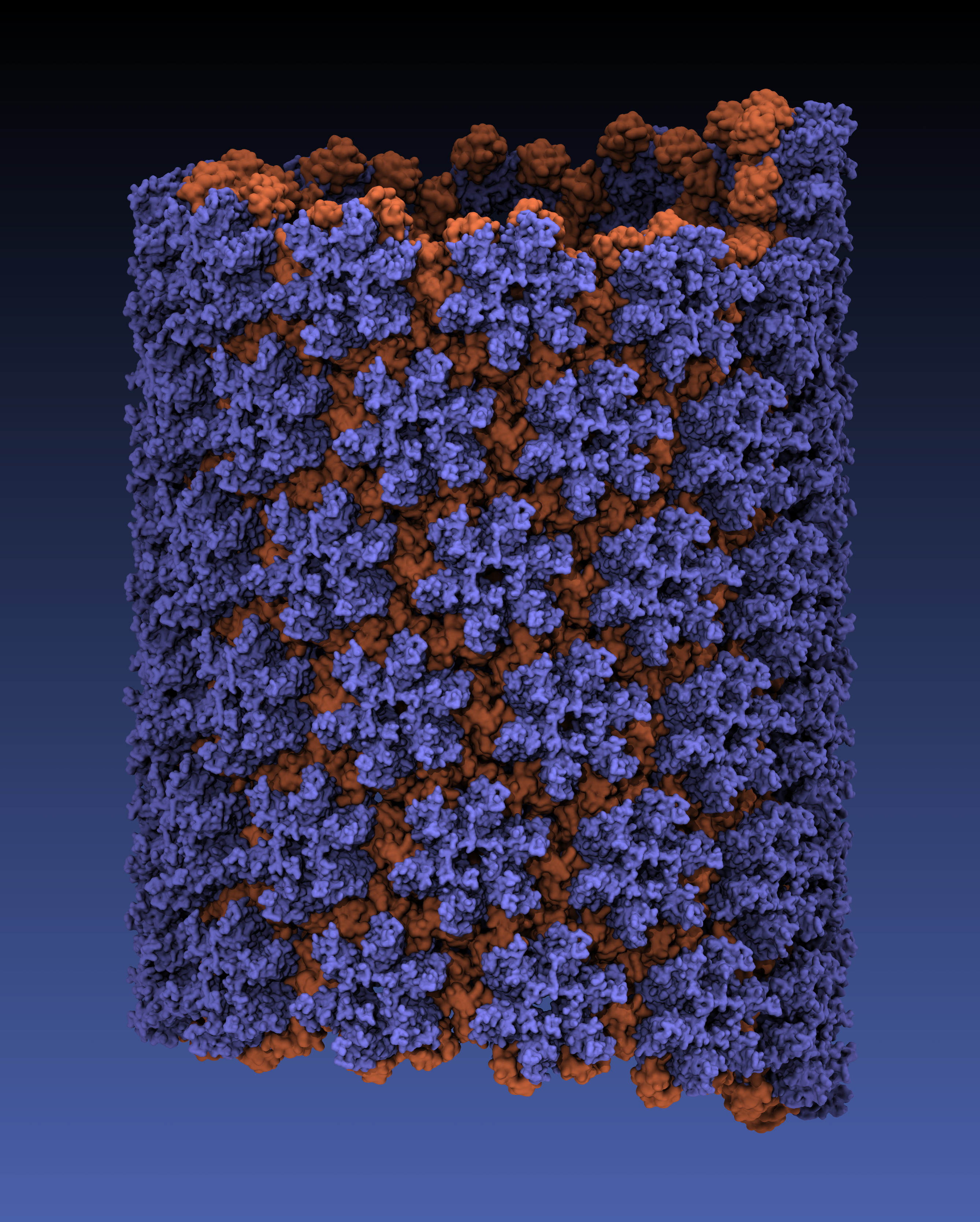
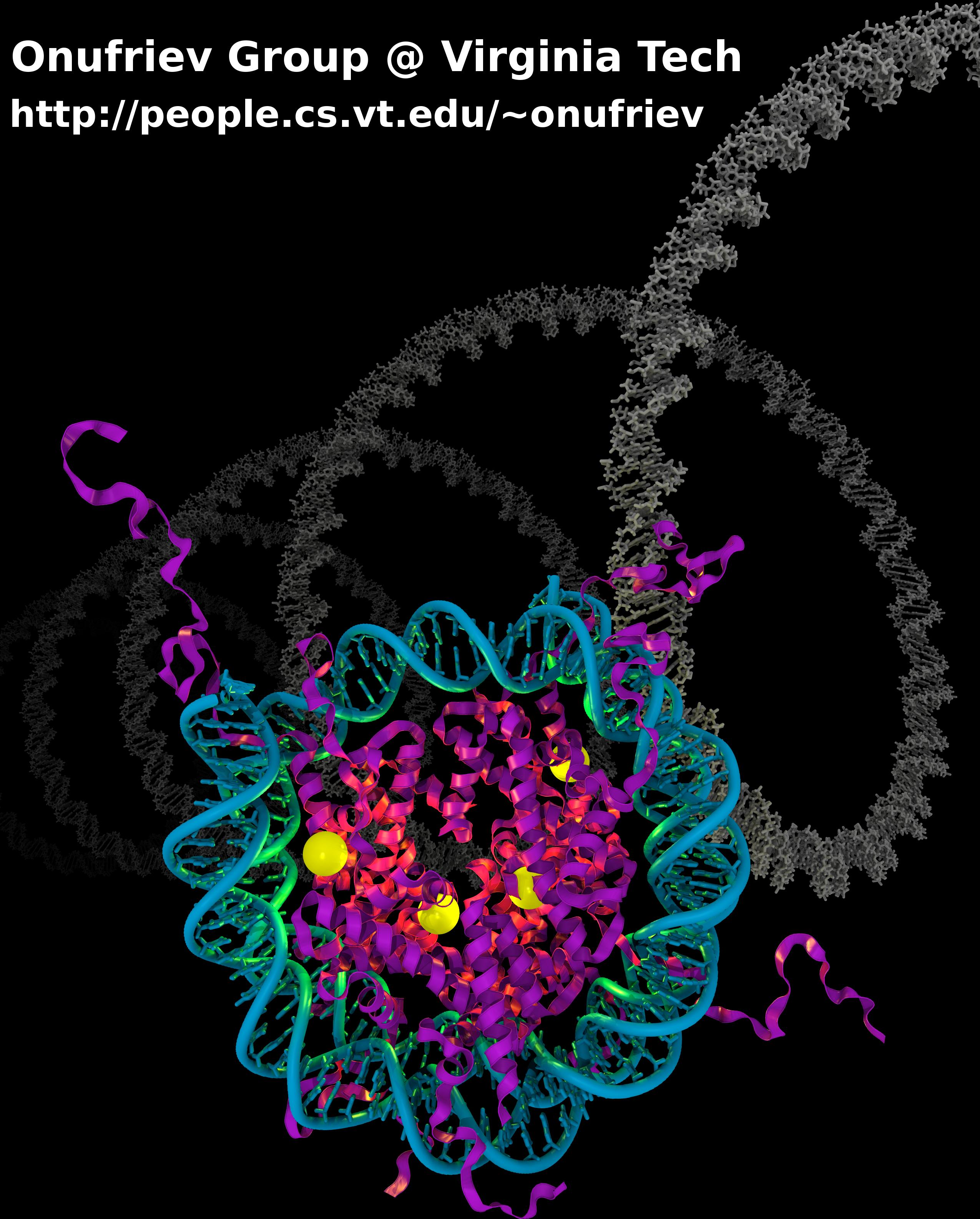
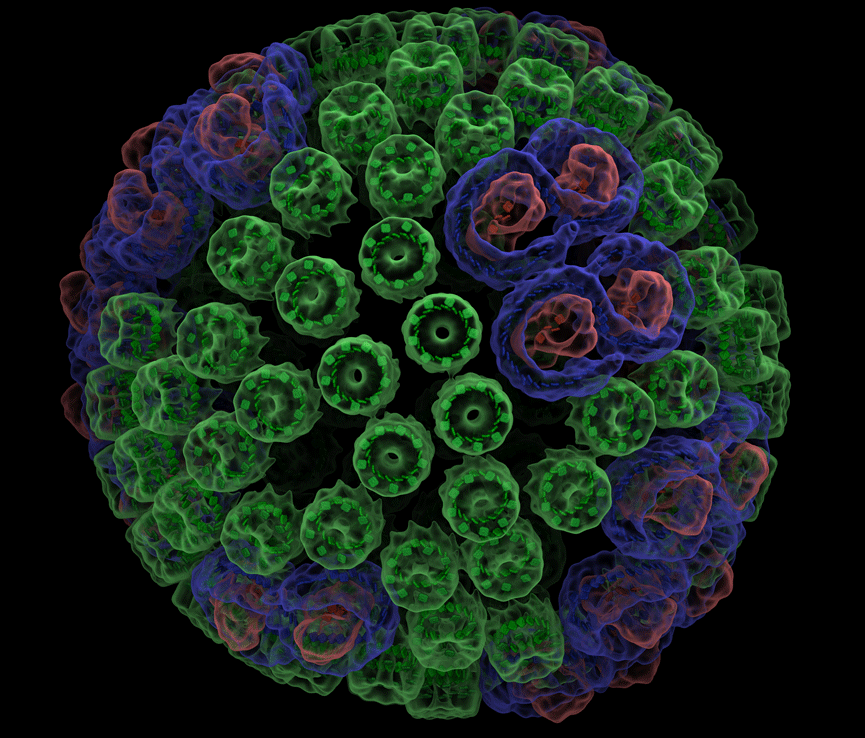
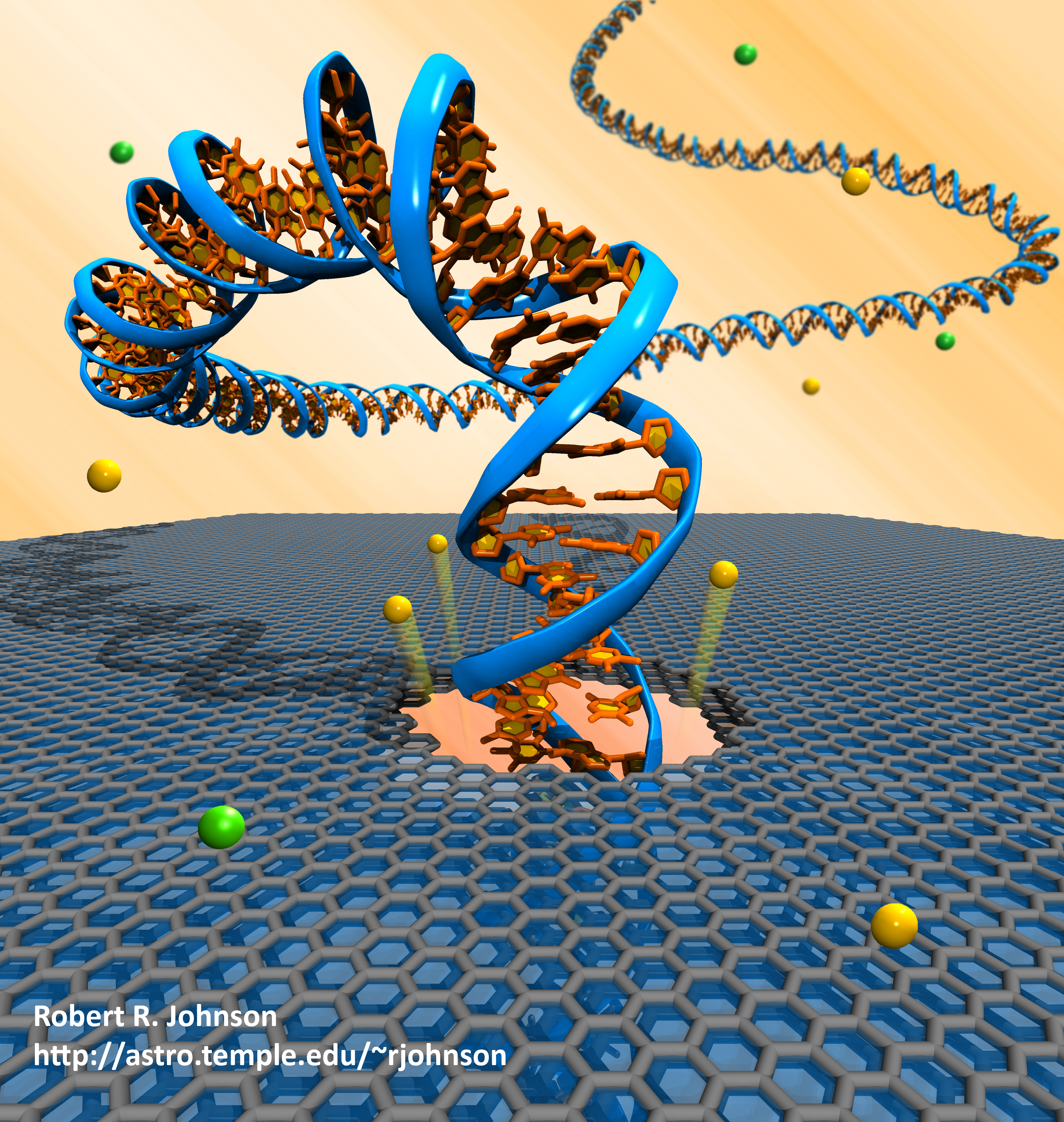
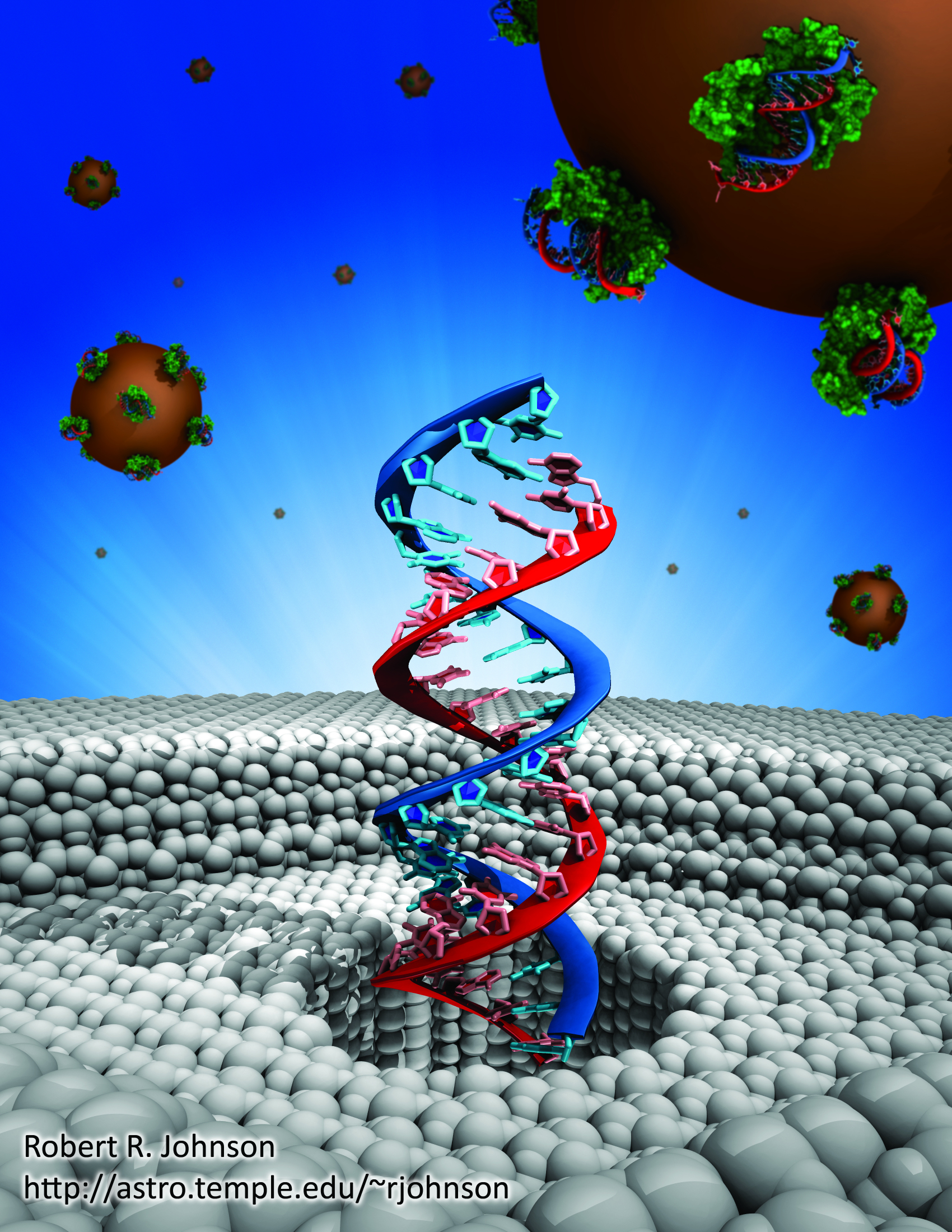
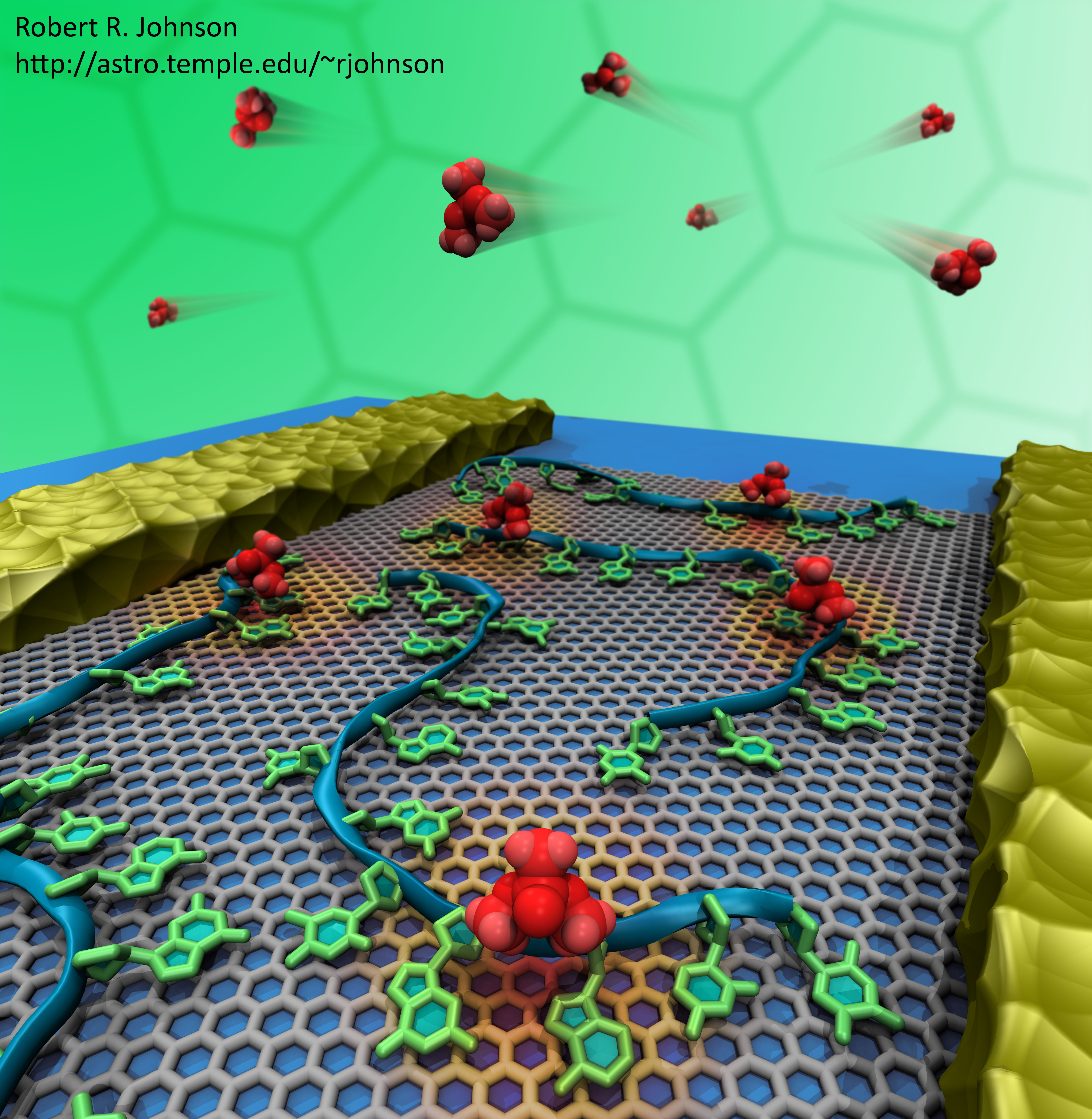
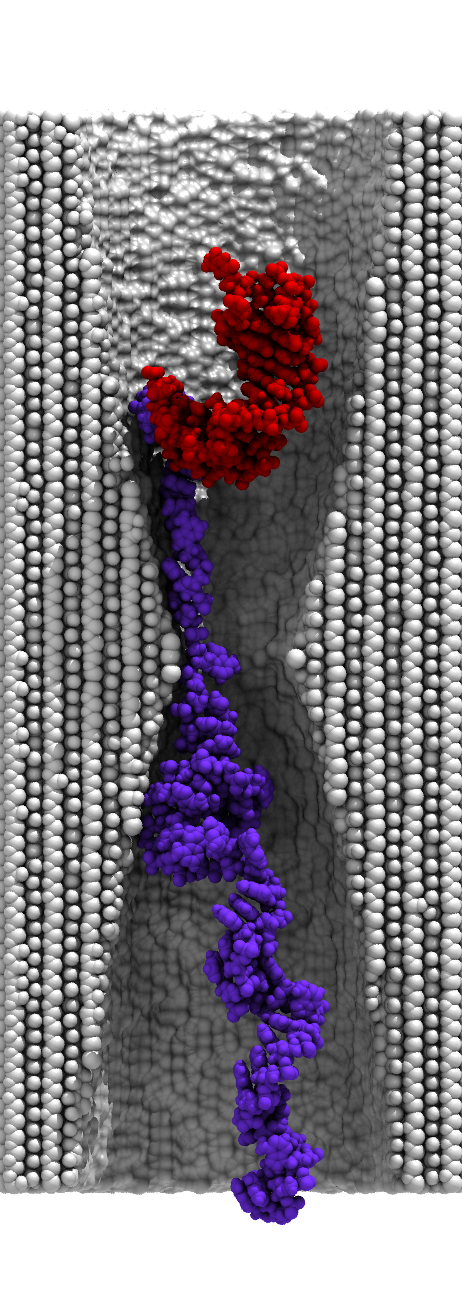
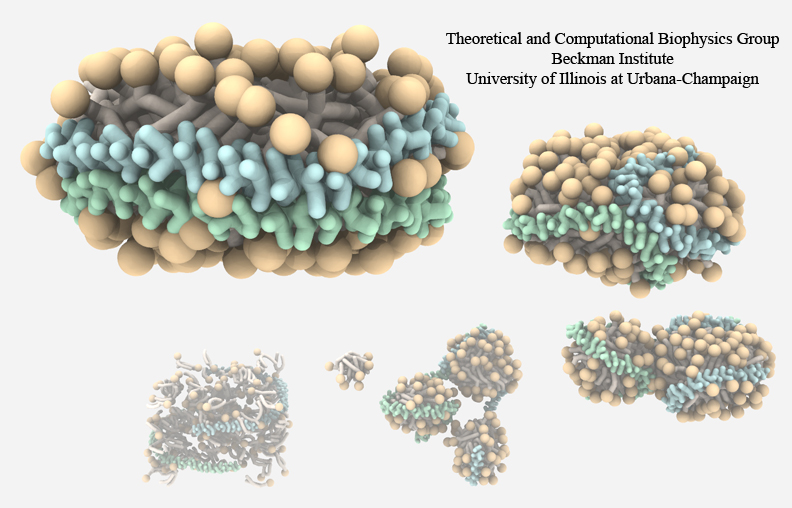
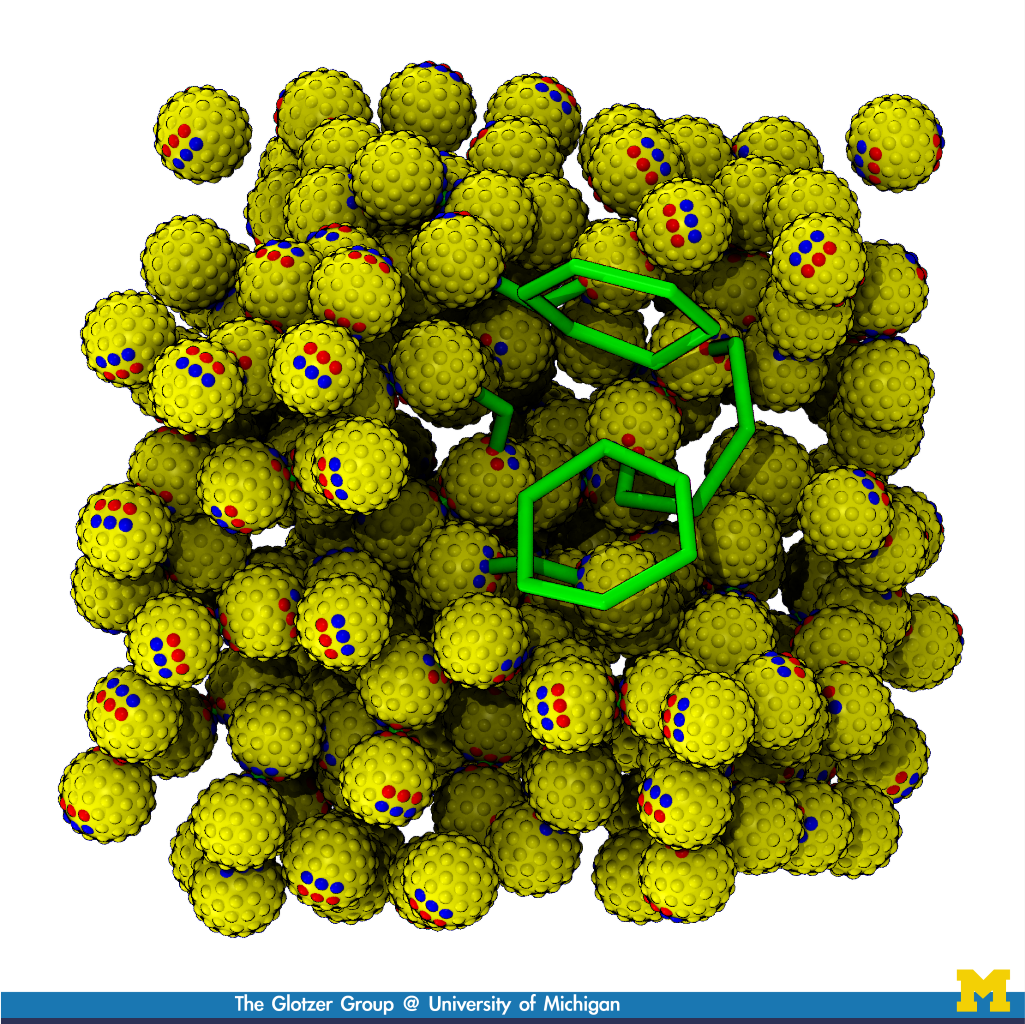
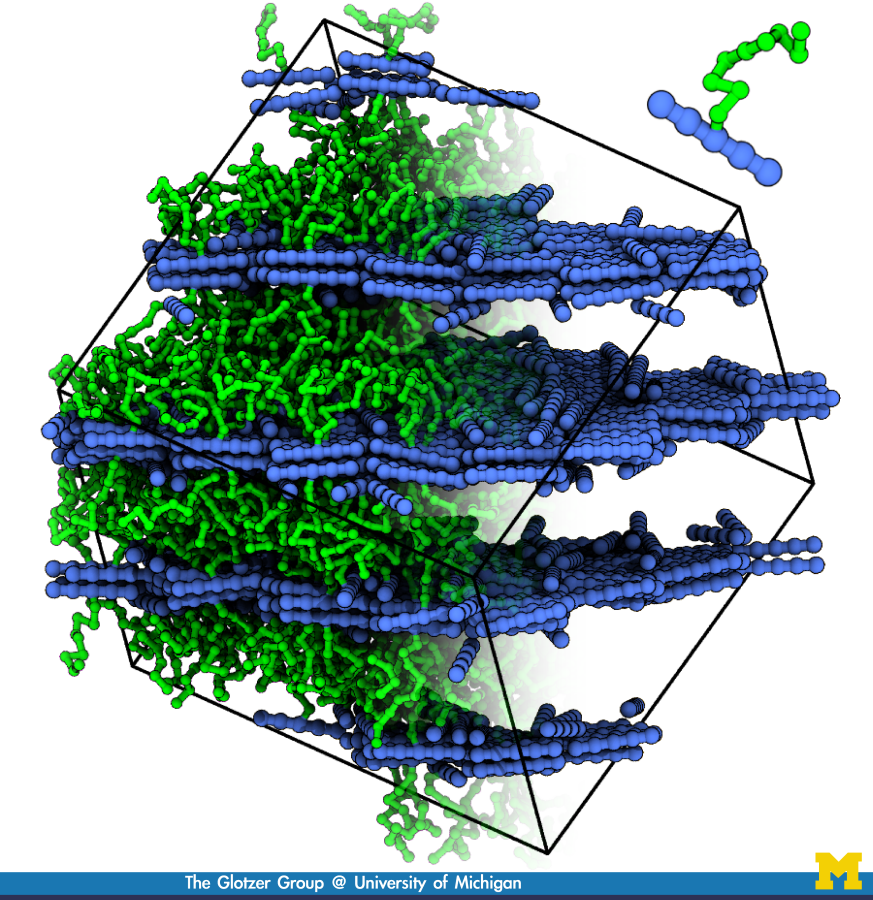

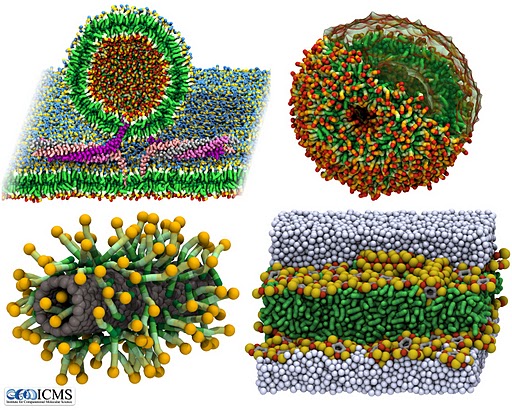
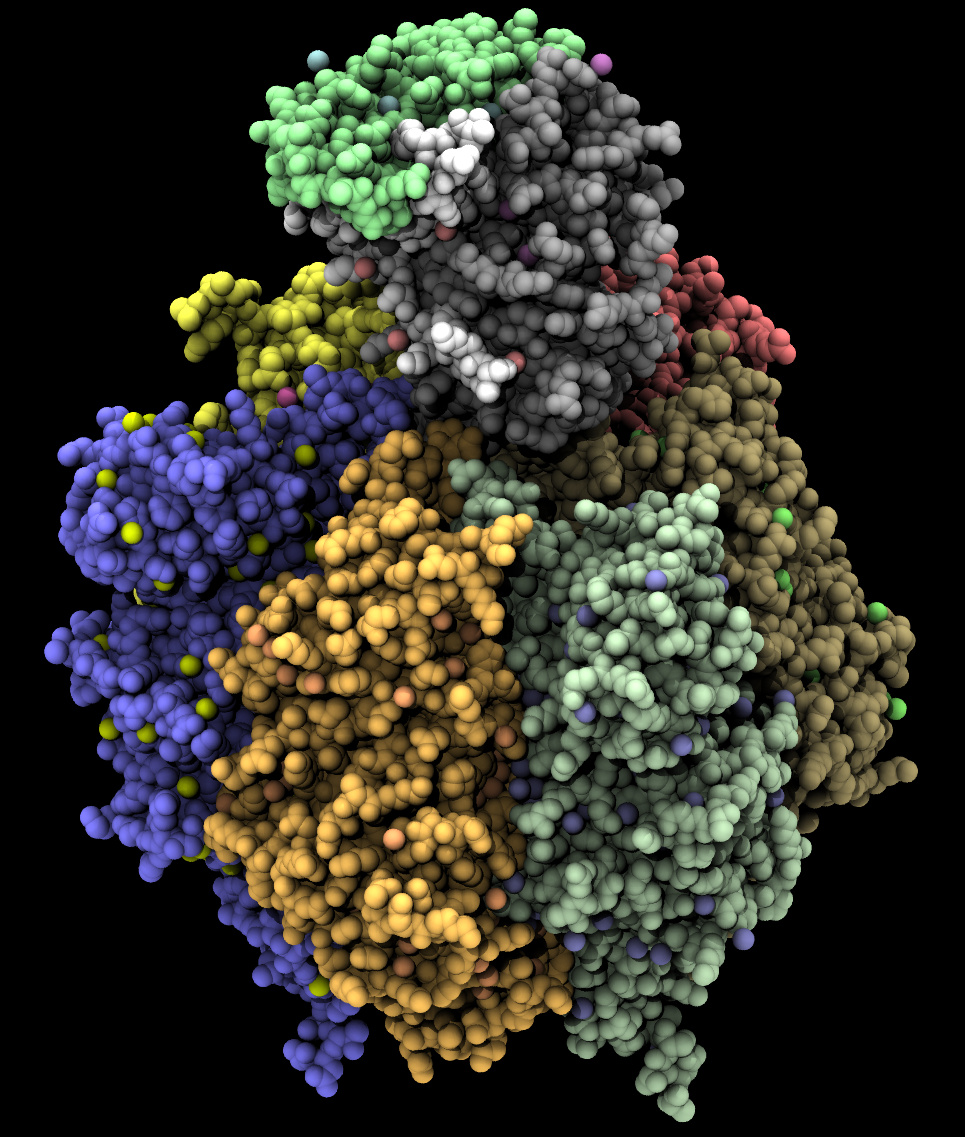
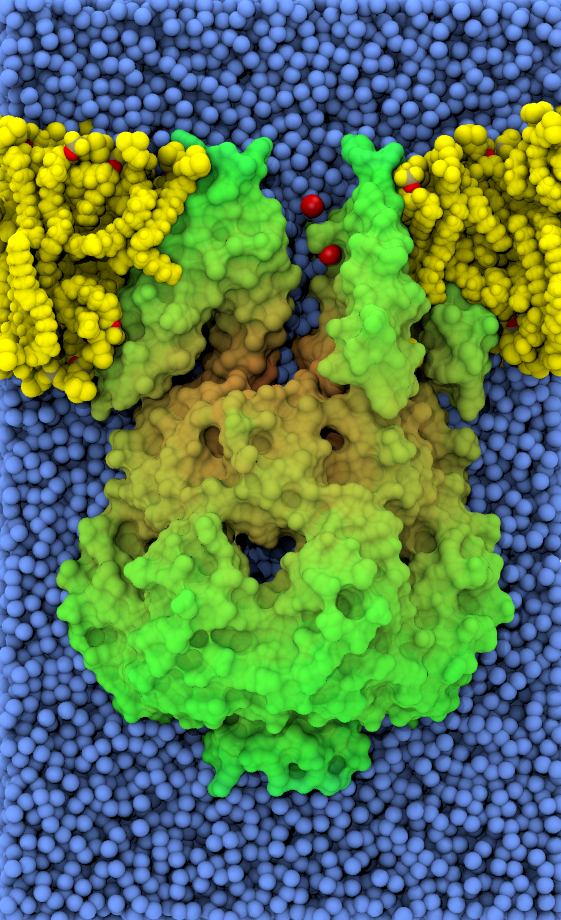
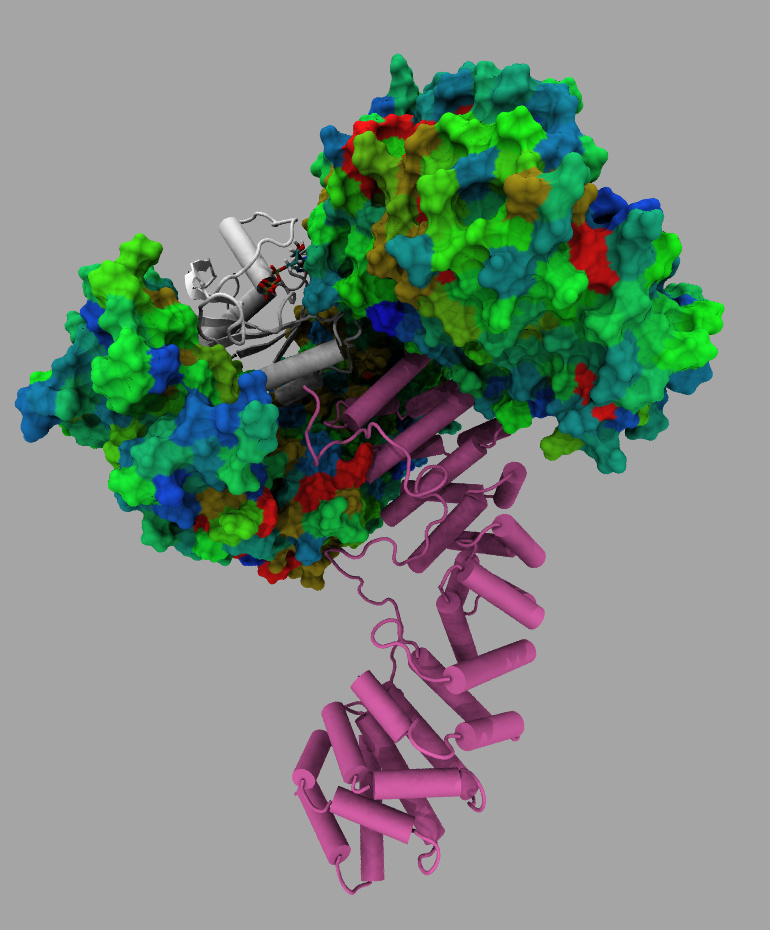
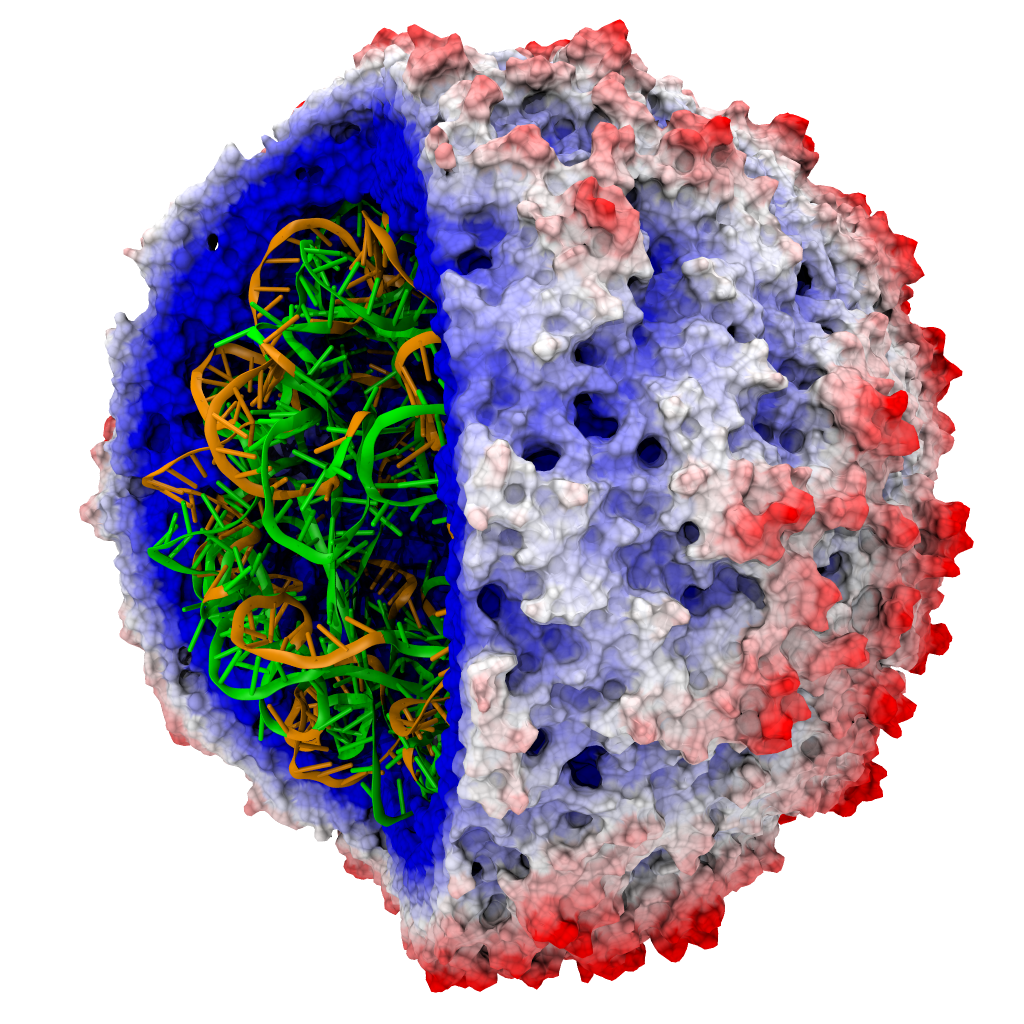
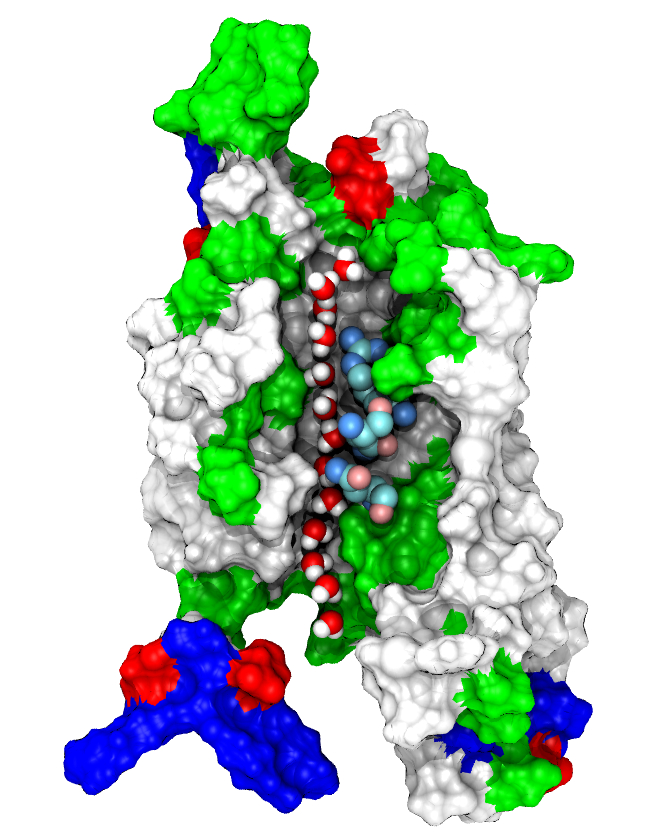
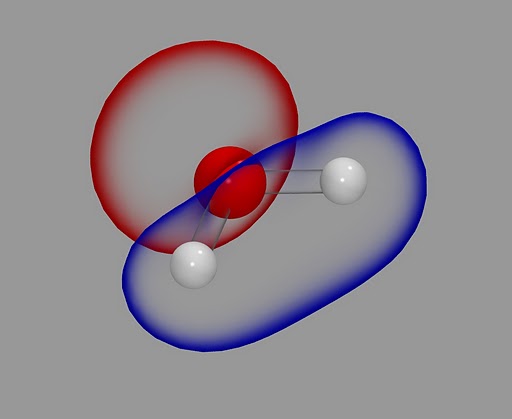
The ambient occlusion lighting feature of Tachyon has been designed so that existing Tachyon scene files (e.g. produced by older versions of VMD) can be re-rendered using the new lighting mode without the need to re-export or edit the scene file to enable the new lighting mode. The new lighting mode can be enabled through new command line options when running Tachyon. Since the ambient occlusion lighting mode involves performing a small monte carlo sampling of illumination at every visible point in the scene, rendering with ambient occlusion lighting takes longer than without it. In some cases it may take three times as long, as a result of the significant amount of additional sampling that takes place.
Using Tachyon ambient occlusion lighting with VMD 1.9 and 1.8.7
VMD includes built-in controls to enable ambient occlusion lighting for external renderers that support it (currently only Tachyon, and TachyonInternal, but we expect future versions to support this feature in POV-Ray or other packages using some emulation techniques). Ambient occlusion lighting is enabled in the Display -> Display Settings window by selecting "on" in the "Amb. Occl." chooser and selecting "on" in the "Shadows" chooser. Once ambient occlusion lighting is enabled, the effect is adjusted by manipulating the "AO Ambient" and "AO Direct" coefficients, which scale the lighting contribution from the ambient light, and from the standard VMD lights, respectively. In most cases, an ambient light coefficient ranging from 0.7 to 1.0 and a direct lighting coefficient of 0.1 to 0.4 are most appropriate and yield the best results. A rule of thumb that tends to work well is that the sum of the two lighting coefficients should be near to 1.0.The basic process for rendering a VMD image or movie with Tachyon or TachyonInternal with ambient occlusion lighting is as follows:
- Load molecular scene into VMD with your preferred representations.
- For each representation, select a material that's fairly diffuse such as the "Diffuse" material, or the AO-optimized "AOshiny", "AOChalky", or "AOEdgy" materials provided in VMD.
- Enable ambient occlusion lighting in the Display -> Display Settings window as described above.
- Set the "AO Ambient" factor to 0.8, and the "AO Direct" factor to 0.3 as an initial starting point.
- Render the scene using File -> Render -> Tachyon or TachyonInternal, or use the "render" command to do the same.
- Due to the increased computational complexity of rendering with ambient occlusion lighting, it's highly recommended to run VMD and Tachyon on a multiprocessor or multi-core workstation for best performance.
- Example scene and Tachyon rendering scripts for VMD