VMD outline rendering style
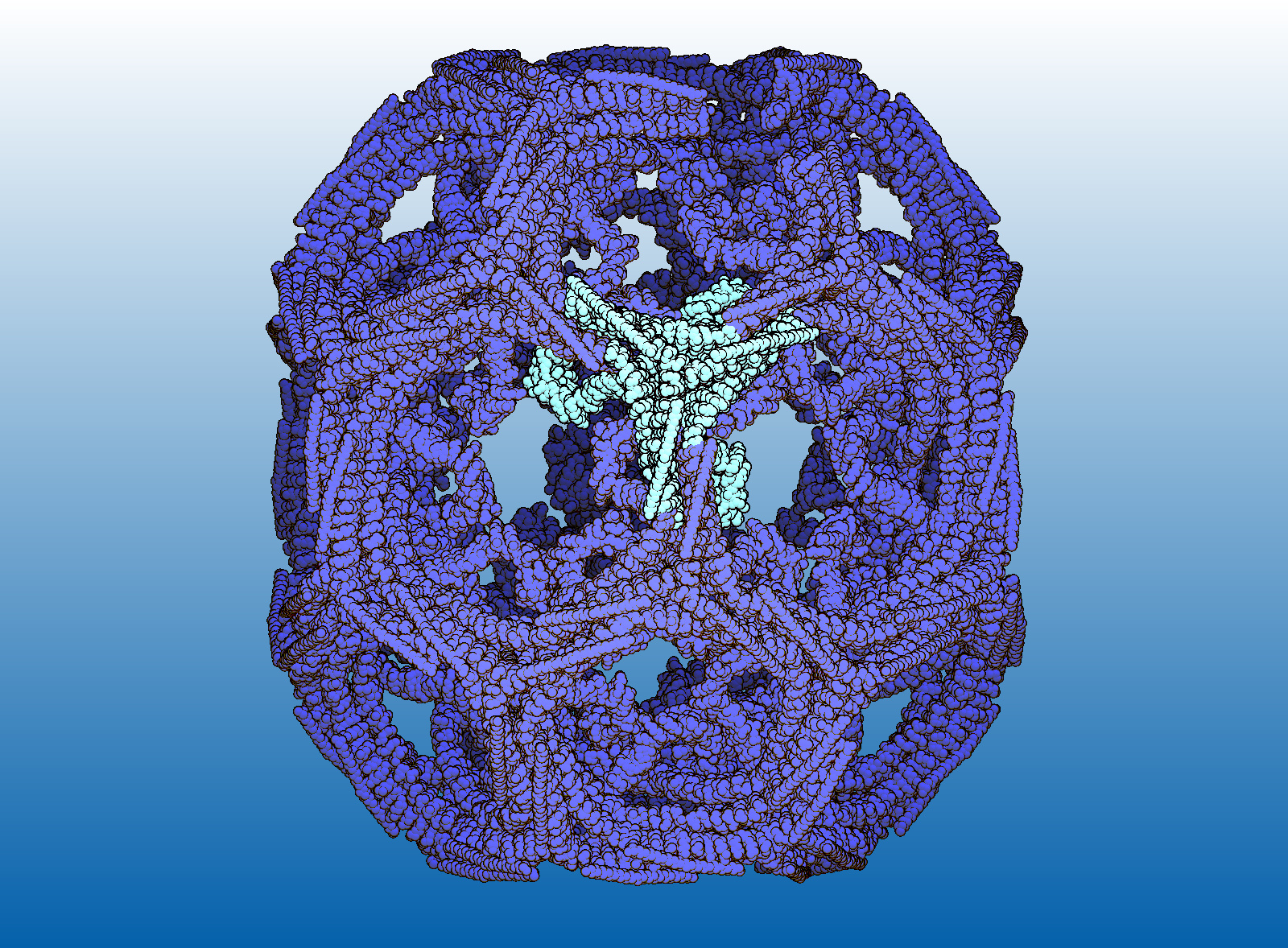
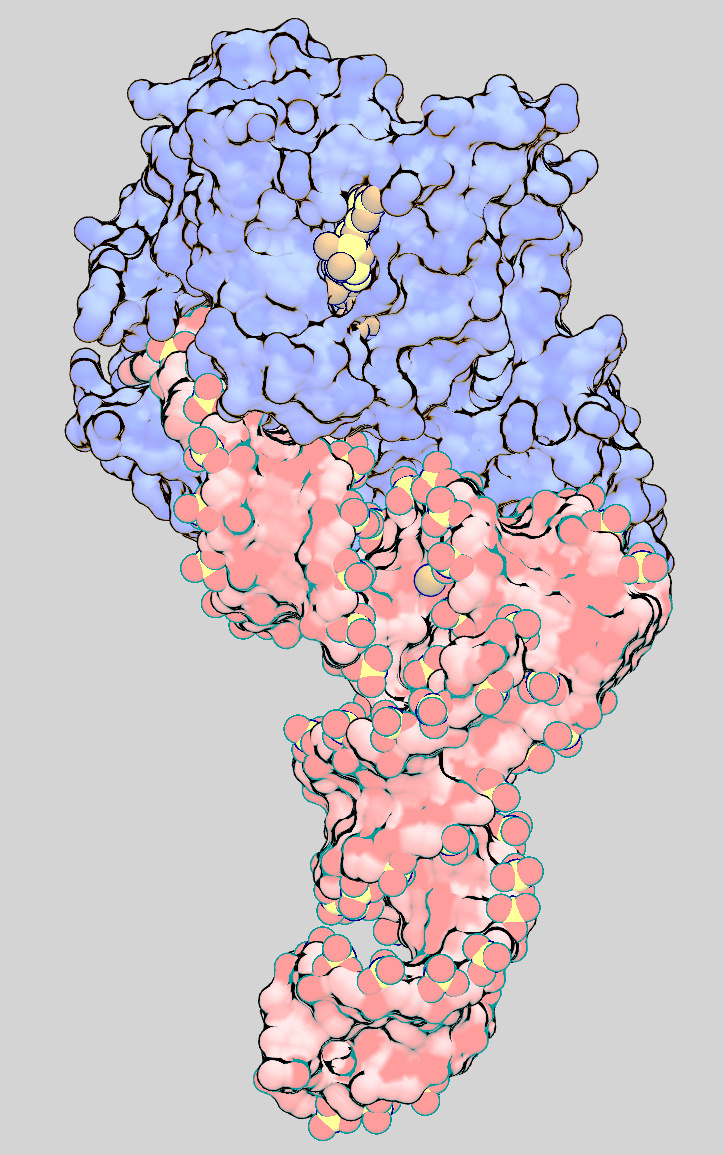 For several years now VMD has supported the use of OpenGL programmable shading
to provide photorealistic rendering of molecules similar to what is
typically provided by external photorealistic rendering programs.
While photorealistic molecular renderings are quite popular,
there are many instances when photorealism isn't necessarily
desirable, and one would rather produce images which are more
illustrative or artistic. Such illustrative non-photorealistic
images are often well suited to printing, and with edge enhancing
outlines, can offer improved perception of structural features
over glossy photorealistic renderings when used most effectively.
While not built-into the standard VMD material settings controls yet,
researchers can use VMD with alternative shaders (including those of their
own design) which override the standard GLSL rendering mode of VMD.
For several years now VMD has supported the use of OpenGL programmable shading
to provide photorealistic rendering of molecules similar to what is
typically provided by external photorealistic rendering programs.
While photorealistic molecular renderings are quite popular,
there are many instances when photorealism isn't necessarily
desirable, and one would rather produce images which are more
illustrative or artistic. Such illustrative non-photorealistic
images are often well suited to printing, and with edge enhancing
outlines, can offer improved perception of structural features
over glossy photorealistic renderings when used most effectively.
While not built-into the standard VMD material settings controls yet,
researchers can use VMD with alternative shaders (including those of their
own design) which override the standard GLSL rendering mode of VMD.
The example shaders provided below allow interactive rendering of molecules in a style inspired by the work of Prof. David S. Goodsell. Prof. Goodsell is famous for his detailed paintings and artistic renderings of molecules, some of which grace the RCSB PDB Molecule of the Month highlights.
How to use the example with your own structures (VMD version 1.8.7)
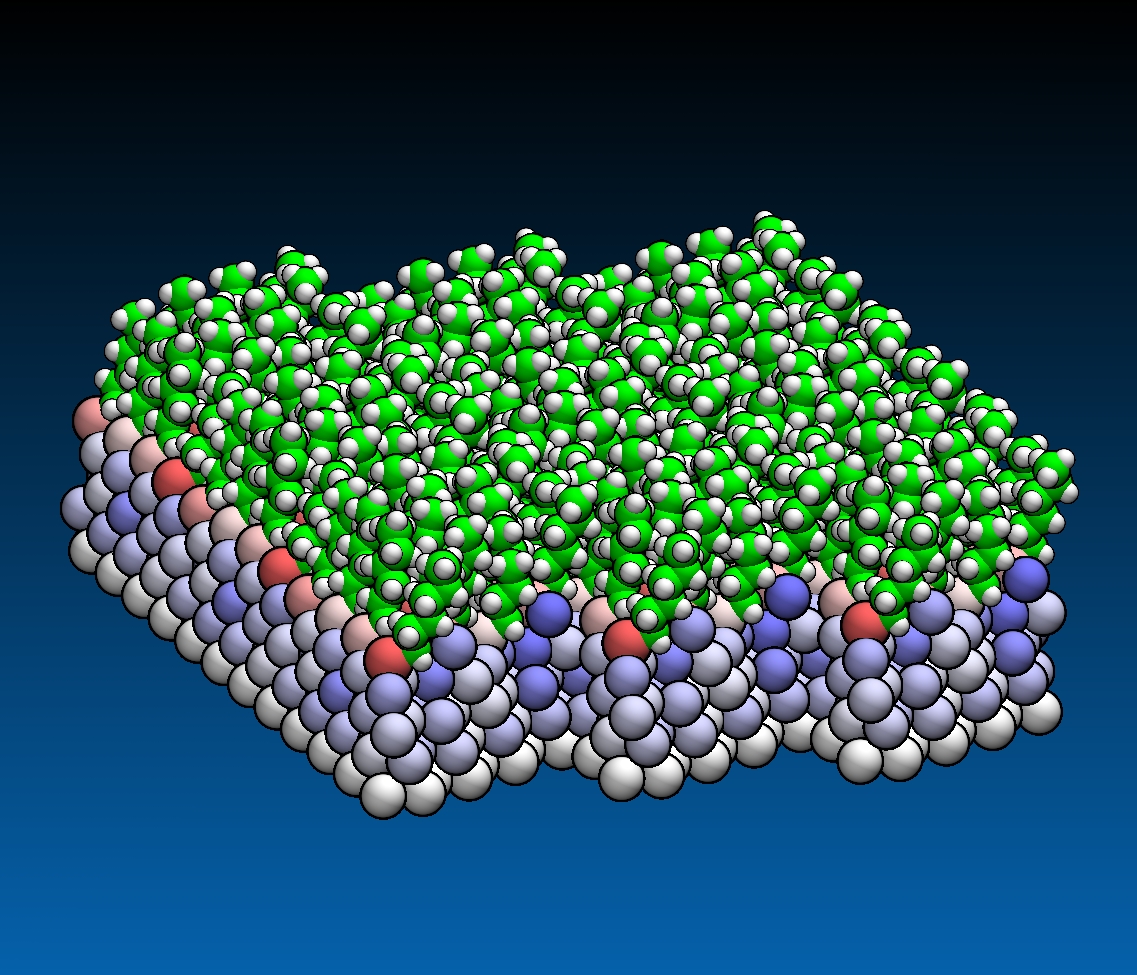 Beginning with VMD 1.8.7, the outline shading feature is built into VMD
as a standard material property that can be applied to any representation.
It is no longer necessary to use special GLSL shaders or to set environment
variables to make use of the outline shader in VMD 1.8.7.
The new material properties "outline" and "outlinewidth" control the
how strong of an outline affect is applied, and how much of the edge of an
object is shaded by the outline effect, respectively. As with older versions
of VMD, the outline material properties require a GPU with GLSL shading
capability. Scenes incorporating the outline shading can be faithfully
rendered using the TachyonInterla or Tachyon renderers, as the latest
version of Tachyon has been updated to support the VMD outline shader.
Beginning with VMD 1.8.7, the outline shading feature is built into VMD
as a standard material property that can be applied to any representation.
It is no longer necessary to use special GLSL shaders or to set environment
variables to make use of the outline shader in VMD 1.8.7.
The new material properties "outline" and "outlinewidth" control the
how strong of an outline affect is applied, and how much of the edge of an
object is shaded by the outline effect, respectively. As with older versions
of VMD, the outline material properties require a GPU with GLSL shading
capability. Scenes incorporating the outline shading can be faithfully
rendered using the TachyonInterla or Tachyon renderers, as the latest
version of Tachyon has been updated to support the VMD outline shader.
VMD 1.8.7 ships with several default materials that make use of the outline rendering feature: "Edgy", "EdgyShiny", "EdgyGlass", and "Goodsell". Although the outline shading will work with all space filling representations in VMD, we find that the best results are achieved using the VDW, Surf, and MSMS representations. Isosurface representations can also work well as long as they are sufficiently high resolution, resulting in smooth surface normals. The secondary structure representations can be used, but they look best with structures that don't have sharp turns or kinks in them.
How to use the example with your own structures (VMD version 1.8.6)
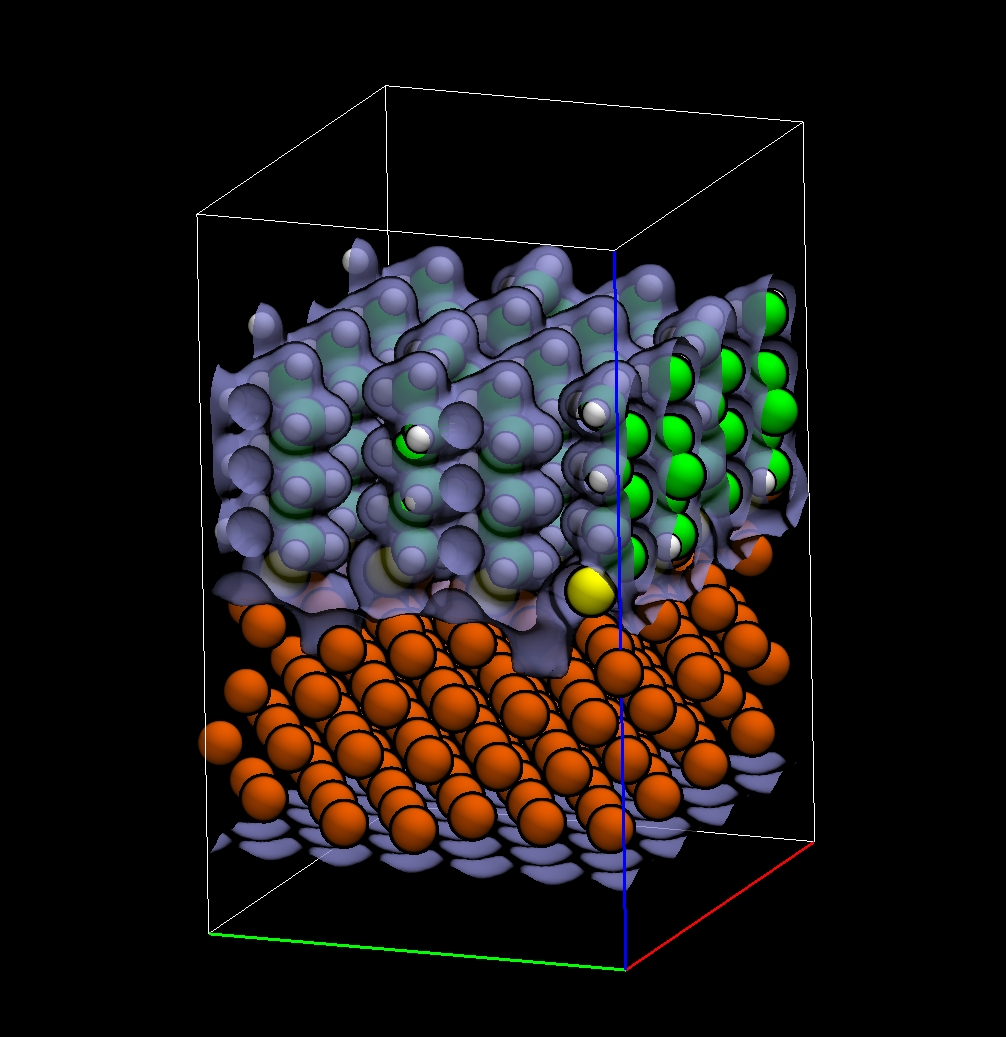
The example scripts and structure files available below can be used with VMD 1.8.6, on GLSL-capable graphics boards. The performance of the current shader implementation can still be improved, but users may find it enjoyable to try interactive renderings of this type with their own structures:
- VMD EF-Tu example scene (small) - See the September 2006 PDB Molecule of the Month
- VMD Clathrin example (very large) - See the April 2007 PDB Molecule of the Month
  setenv VMDOGLSHADER       vmdoutline
  setenv VMDOGLSPHERESHADER vmdoutlinesphere
If you want to use the shaders on a regular basis, you may want to locate them in a globally accessible location. In that case, you'd set the environment variables like this (csh syntax):
  setenv VMDOGLSHADER       /path/to/shaders/vmdoutline
  setenv VMDOGLSPHERESHADER /path/to/shaders/vmdoutlinesphere
The special shaders for VMD alter the standard shading behavior of VMD, overriding the function of the VMD "specular" and "shininess" material properties with controls which adjust the width and intensity of the edge enhancement outlines, respectively. A good starting setting for the overridden "specular" setting is 0.5. Setting the "shininess" setting to 1.0 gives dark black edge outlines, whereas a setting of 0.0 gives a more normal diffuse rendering of the surface edge.
In order to achieve renderings which attempt to mimick the style of Dr. Goodsell's Molecule of the Month images, it is best to start with material properties set according to the commands below. You can simply paste these commands into the VMD text console to cause your "Opaque" material to be updated appropriately:
  material change ambient Opaque 0.55
  material change specular Opaque 0.4
  material change diffuse Opaque 1.0
  material change shininess Opaque 1.0
  material change opacity Opaque 1.0
Although the outline shader will work with all space filling representations in VMD, we find that the best results are achieved using the VDW, Surf, and MSMS representations. Isosurface representations can also work well as long as they are sufficiently high resolution, resulting in smooth surface normals. The secondary structure representations can be used, but they look best with structures that don't have sharp turns or kinks in them.